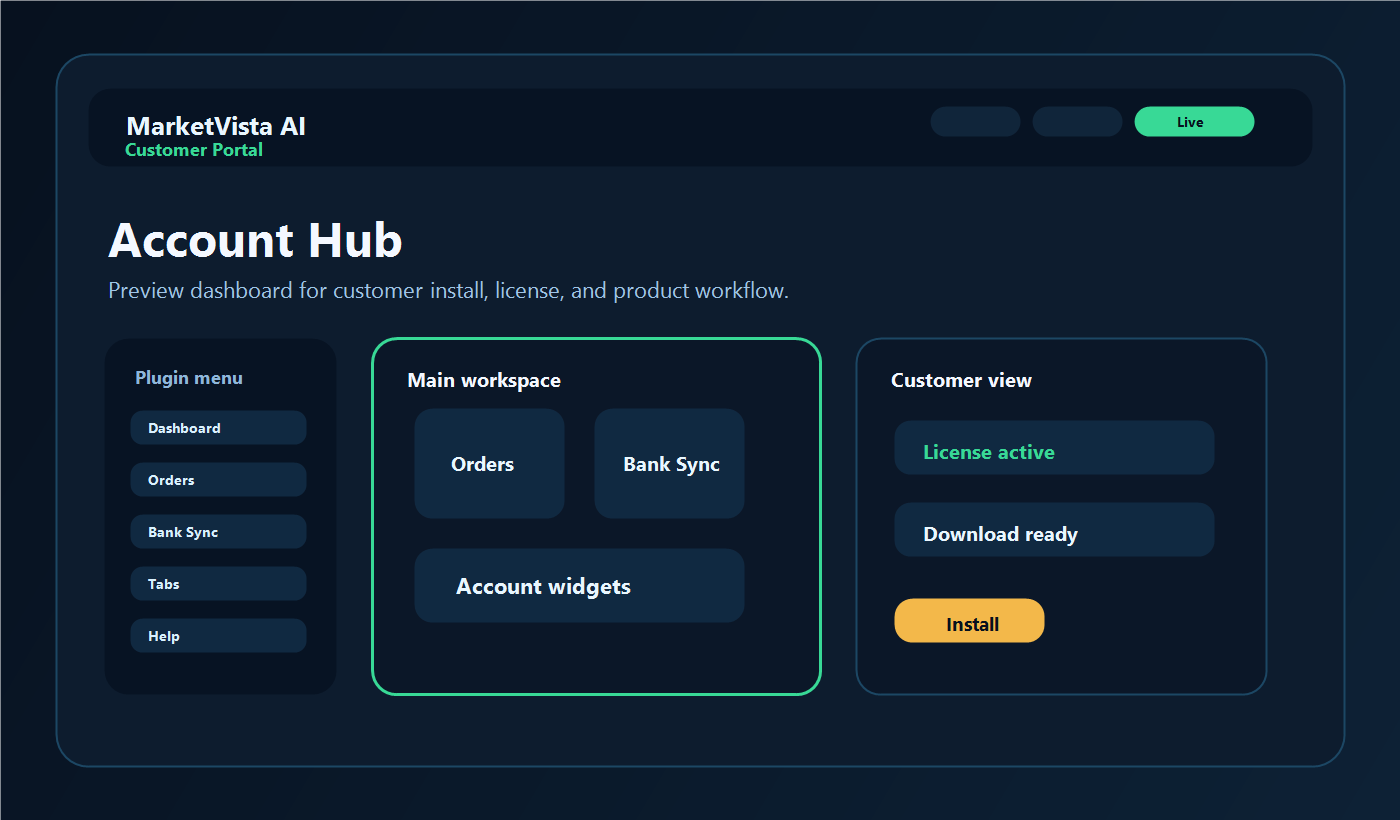
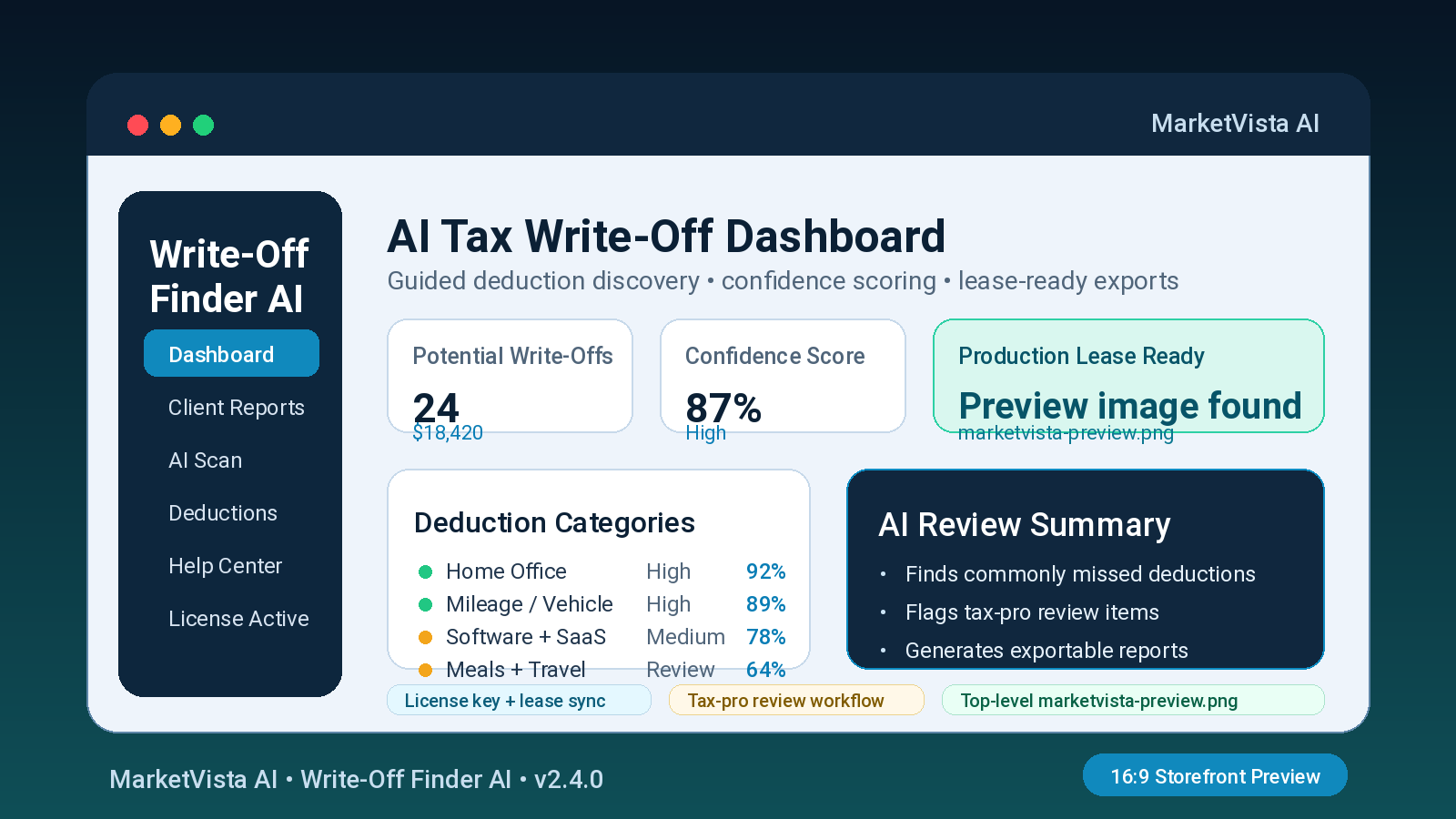
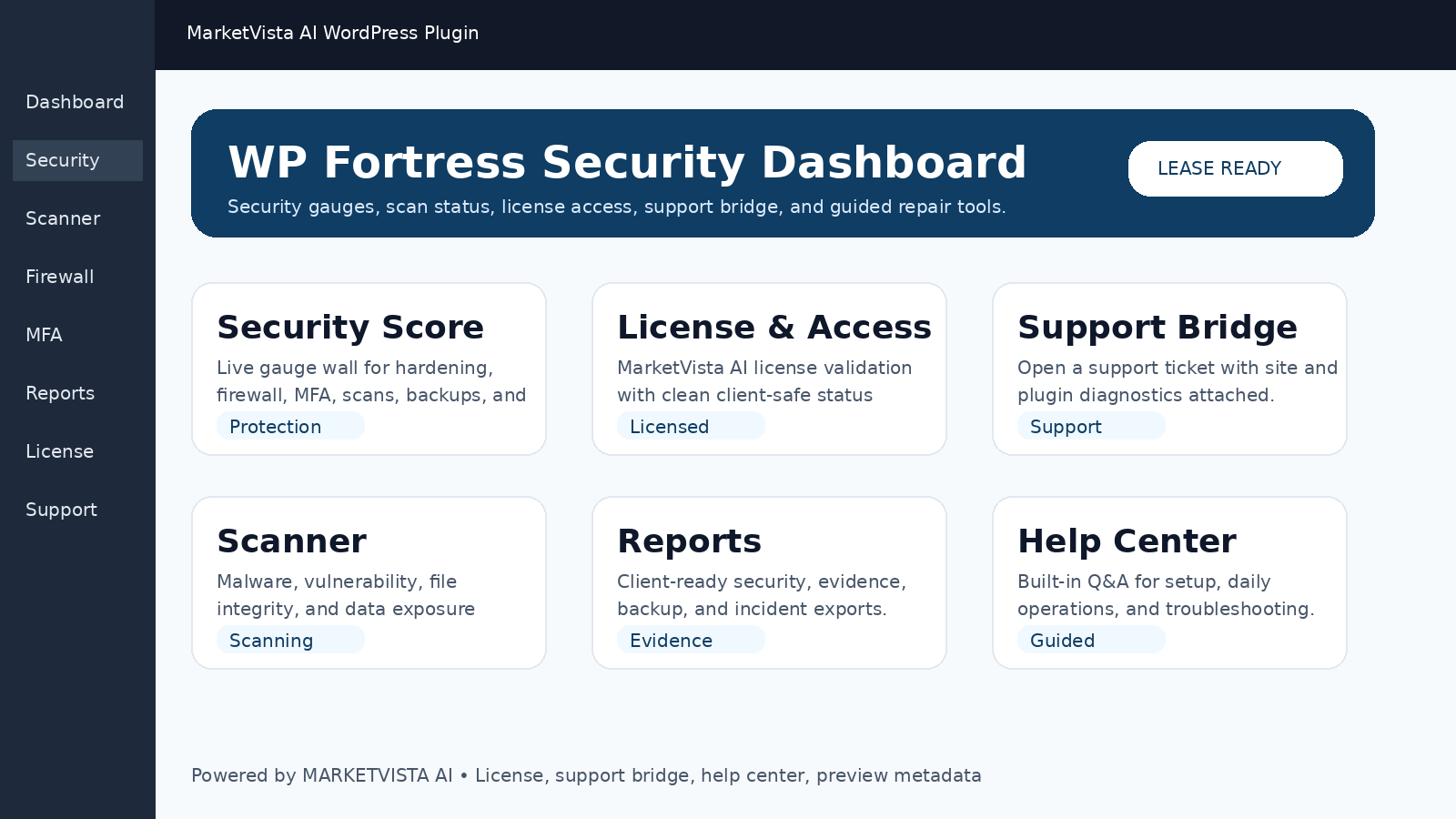
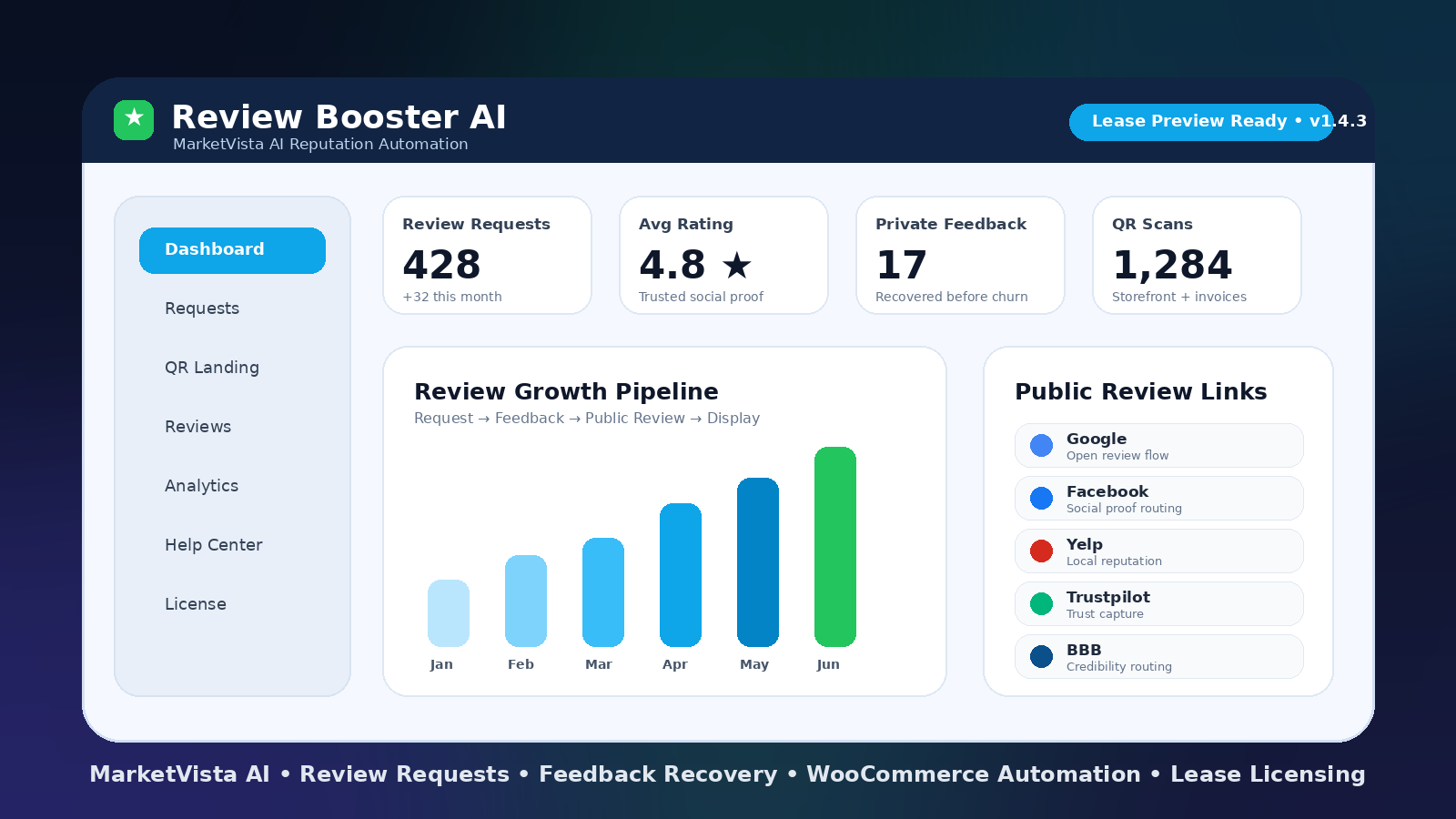
Choose the plugin, select monthly or annual billing, pay through Stripe, then use your customer dashboard for the ZIP download, license key, release notes, and support.
Download the plugin ZIP from your customer dashboard.
Copy the license key shown beside the plugin.
Enter the key inside the WordPress plugin settings screen.
Use the approved production domain tied to the subscription.
Open a support request for setup help, domain changes, or reissue needs.
Email handoff
The customer gets the same access details by email.
The payment confirmation sends a handoff email with the dashboard link, login instructions, license key, and available download links. The dashboard remains the source of truth if email delivery is delayed.
This is the purchase list. Pick monthly or annual on the plugin you want, then Stripe collects payment and the dashboard unlocks the download and license.
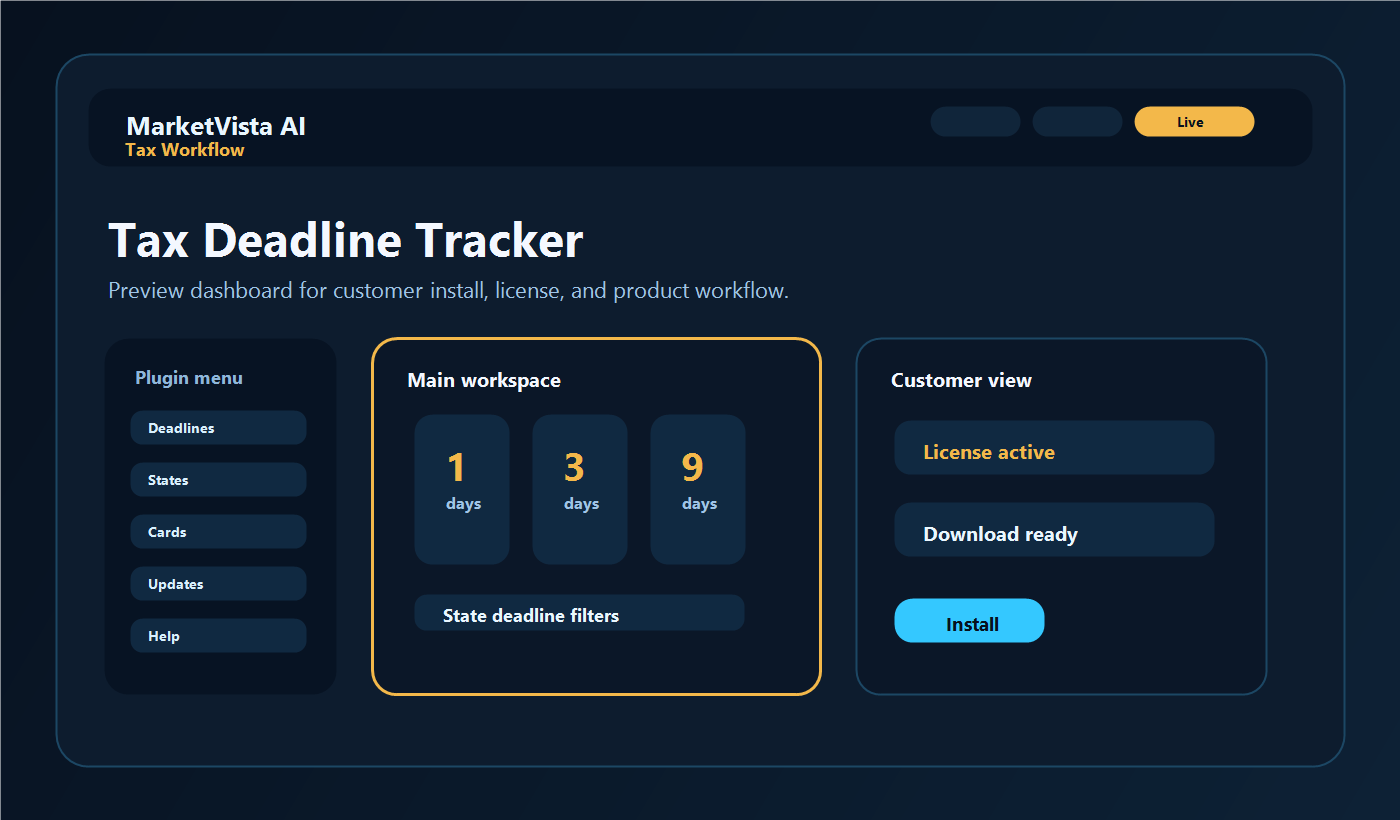
Tax Workflow
MV Tax Deadline Tracker
$24/month
Annual saves $48 versus monthly billing
Turn important tax dates into searchable, client-ready deadline boards with countdowns, state filters, and admin-managed filing calendars.
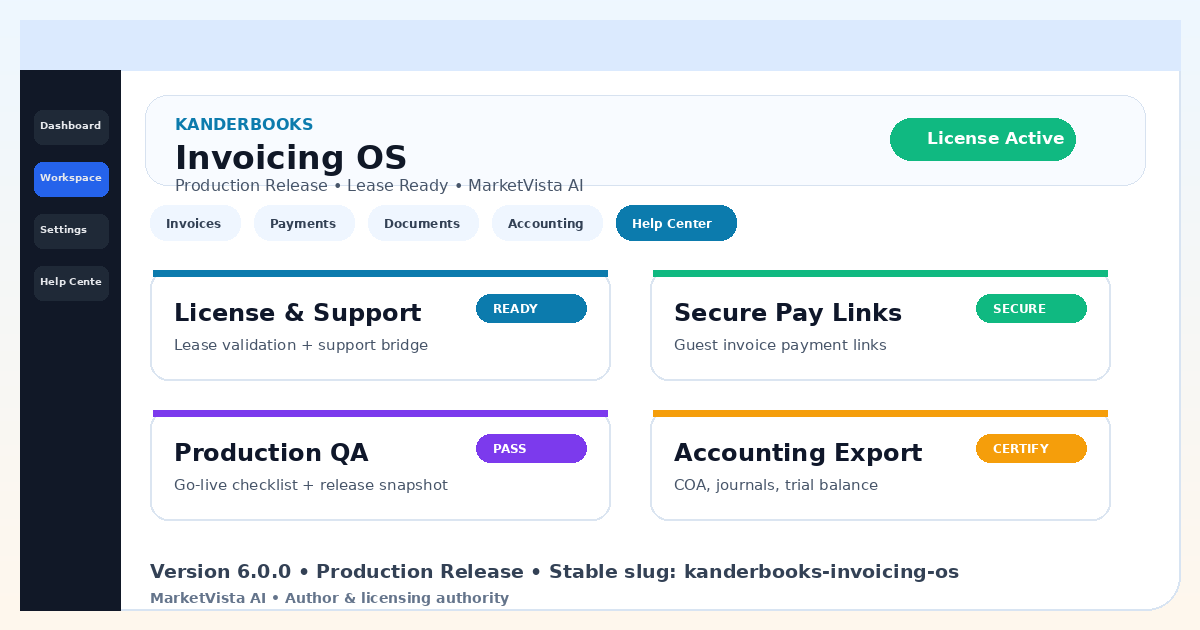
Run invoicing, guest payments, receivables, bookkeeping evidence, tax document storage, client portal access, support requests, and accounting exports from one WordPress billing system.